Pack Tracker Tags [Apple MFi Certified] Pair with Apple Find My (iOS Only) Bluetooth Air Smart Tags Key Finder Item Locator Waterproof Finder Worldwide Tracking for Pets Wallet Backpack Dogs Luggage
19.90$Original price was: 19.90$.4.90$Current price is: 4.90$.
Pack Tracker Tags [Apple MFi Certified] Pair with Apple Find My (iOS Only) Bluetooth Air Smart Tags Key Finder Item Locator Waterproof Finder Worldwide Tracking for Pets Wallet Backpack Dogs Luggage
19.90$Original price was: 19.90$.4.90$Current price is: 4.90$.
About this item
Smar...
About this item
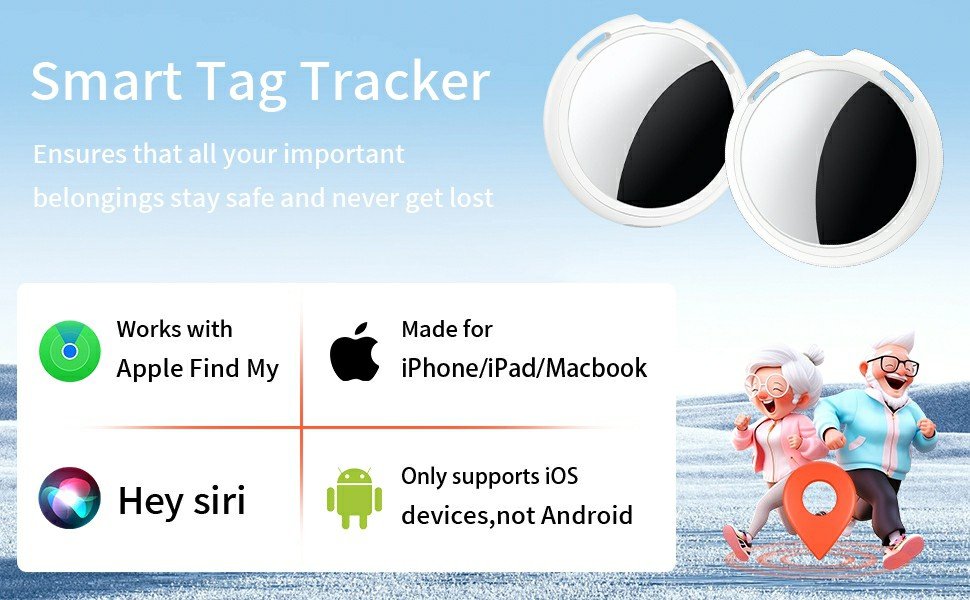
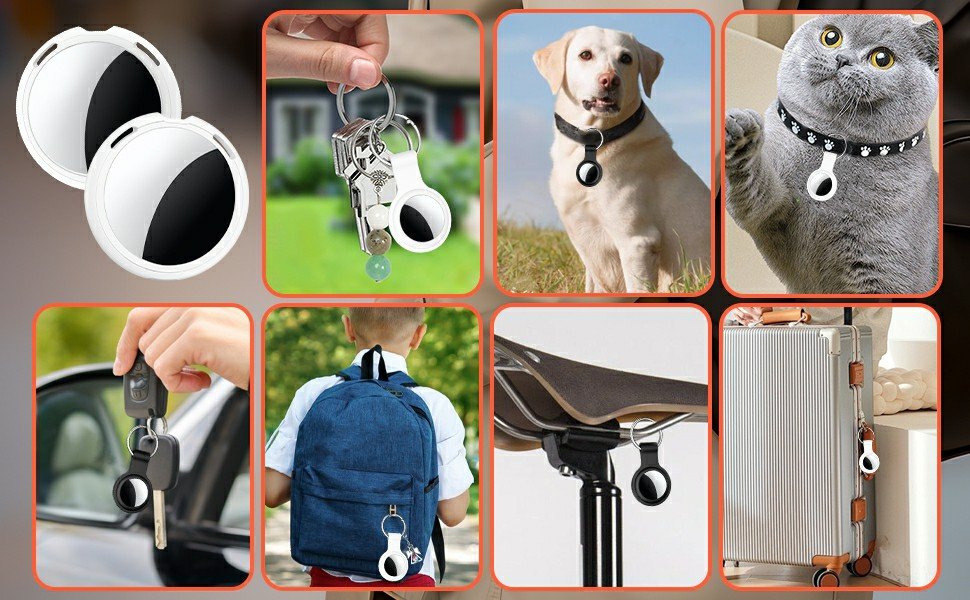
Smart Finder:The luggage GPS tracker makes it easy to manage your valuables. Working with the Find My app(IOS ONLY), you can quickly locate your items. It comes with one case, allowing you to attach the tag to your keys, wallet, backpack etc.
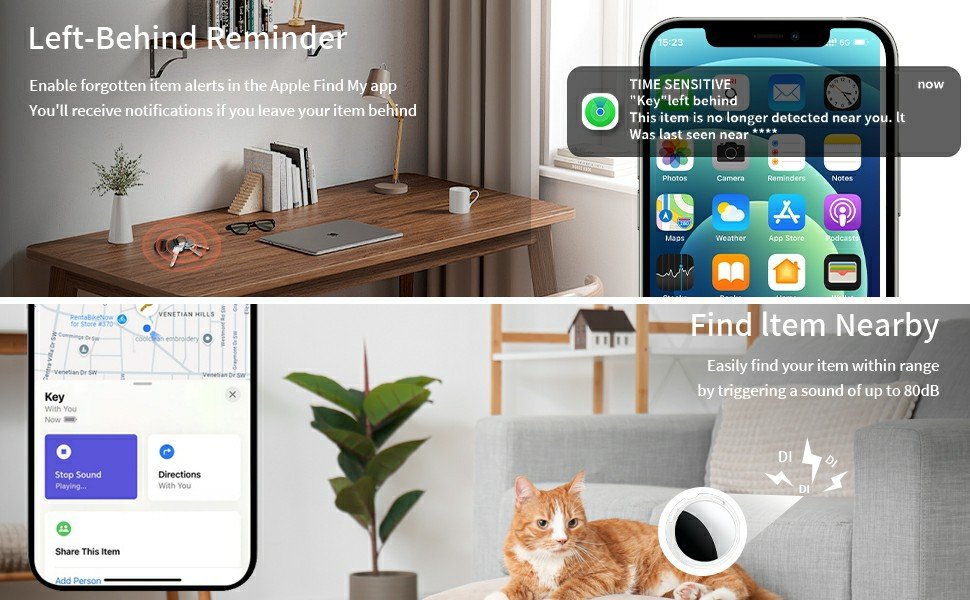
Find Nearby:Use the Find My app to ring your luggage tracker when it’s within Bluetooth range,or ask your Siri to find it for you.Click the ‘Play Sound’ Button, the tag tracker will make a sound ‘di di di’. You can according to the sound find your items
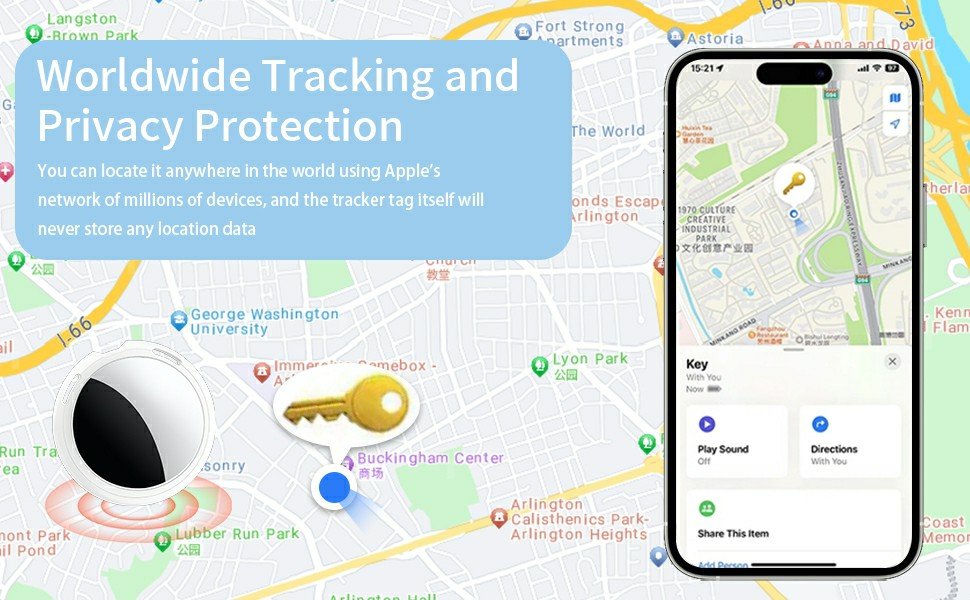
Find Far Away: When outside of Bluetooth range, use the Find My app to view your ‘Item Locator’s most recent location on a map. You can use the network and GPS of millions of Apple devices to locate it anywhere in the world.Reduce the loss of your items
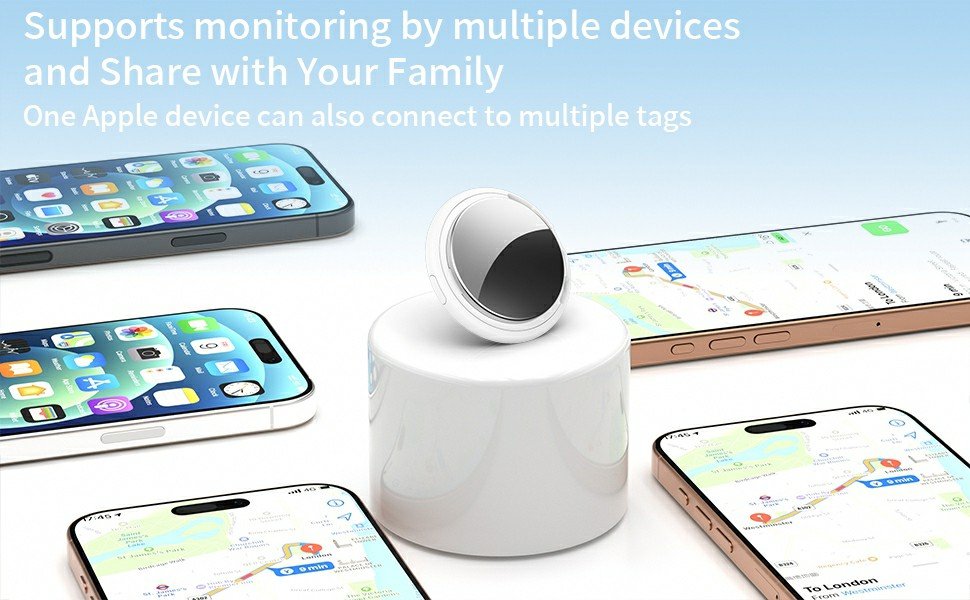
Share Your Items and Privacy Protection:The item finders tag lets your family view the location of your items (a feature for iOS 17).The chip in this Bluetooth tracker is MFi certified,guaranteeing that your location data is encrypted and protected
Water Resistant & Replaceable Battery: Designed for outdoor adventures, this tracker can withstand rain, ensuring you can use it confidently in various weather conditions. Plus, it features a replaceable CR2032 battery that lasts up to a year
Only Works with Apple Find My (iOS Only): Simply use the Apple Find My app and add the key finders to the Items tab. No fees, no app download required – easy and convenient to use.
Q&A
Q:Why can’t I pair the air tracker tag?
A:Please follow the steps below to pair
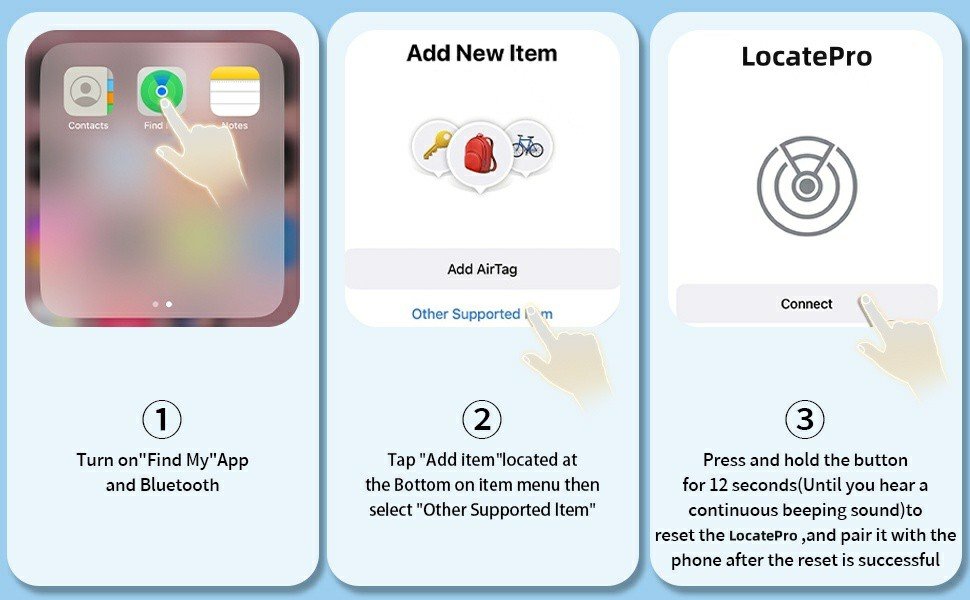
1.Open the “Find My” app
2.If Bluetooth is off, tap ‘Turn On Bluetooth’.
3.Tap “Items”, then Tap “Add item”
4.Tap ‘Other Supported Items.’
5.Waiting to search for the pairing name “LocatePro” and tap “Connect”.
6. Name your Tag.
7. Select an emoji.
8. Tap ‘Agree,’ and finally tap ‘Finish.”
We have also uploaded a product pairing video on the detail page, which customers can view for reference.
Q:Why is the tag’s location not updating?
A:Since the chip used in our tag is MFi-certified, when your item is far from you, an iOS device nearby is required to trigger the tag to send its location information to your phone.
Be the first to review “Pack Tracker Tags [Apple MFi Certified] Pair with Apple Find My (iOS Only) Bluetooth Air Smart Tags Key Finder Item Locator Waterproof Finder Worldwide Tracking for Pets Wallet Backpack Dogs Luggage”Cancel Reply
![Pack Tracker Tags [Apple MFi Certified] Pair with Apple Find My (iOS Only) Bluetooth Air Smart Tags Key Finder Item Locator Waterproof Finder Worldwide Tracking for Pets Wallet Backpack Dogs Luggage](https://tedcoco.com/wp-content/uploads/2026/04/中图_2-10-100x100.jpg "中图_2")

![Pack Tracker Tags [Apple MFi Certified] Pair with Apple Find My (iOS Only) Bluetooth Air Smart Tags Key Finder Item Locator Waterproof Finder Worldwide Tracking for Pets Wallet Backpack Dogs Luggage](https://tedcoco.com/wp-content/uploads/2026/04/中图_2-10.jpg "中图_2")
![Pack Tracker Tags [Apple MFi Certified] Pair with Apple Find My (iOS Only) Bluetooth Air Smart Tags Key Finder Item Locator Waterproof Finder Worldwide Tracking for Pets Wallet Backpack Dogs Luggage](https://tedcoco.com/wp-content/uploads/2026/04/中图_5-7.jpg "中图_5")
![Pack Tracker Tags [Apple MFi Certified] Pair with Apple Find My (iOS Only) Bluetooth Air Smart Tags Key Finder Item Locator Waterproof Finder Worldwide Tracking for Pets Wallet Backpack Dogs Luggage](https://tedcoco.com/wp-content/uploads/2026/04/中图_4-8.jpg "中图_4")
![Pack Tracker Tags [Apple MFi Certified] Pair with Apple Find My (iOS Only) Bluetooth Air Smart Tags Key Finder Item Locator Waterproof Finder Worldwide Tracking for Pets Wallet Backpack Dogs Luggage](https://tedcoco.com/wp-content/uploads/2026/04/中图_3-9.jpg "中图_3")
![Pack Tracker Tags [Apple MFi Certified] Pair with Apple Find My (iOS Only) Bluetooth Air Smart Tags Key Finder Item Locator Waterproof Finder Worldwide Tracking for Pets Wallet Backpack Dogs Luggage](https://tedcoco.com/wp-content/uploads/2026/04/大图_1-9-600x371.jpg "大图_1")
![Pack Tracker Tags [Apple MFi Certified] Pair with Apple Find My (iOS Only) Bluetooth Air Smart Tags Key Finder Item Locator Waterproof Finder Worldwide Tracking for Pets Wallet Backpack Dogs Luggage](https://tedcoco.com/wp-content/uploads/2026/04/中图_5-7-100x100.jpg "中图_5")
![Pack Tracker Tags [Apple MFi Certified] Pair with Apple Find My (iOS Only) Bluetooth Air Smart Tags Key Finder Item Locator Waterproof Finder Worldwide Tracking for Pets Wallet Backpack Dogs Luggage](https://tedcoco.com/wp-content/uploads/2026/04/中图_4-8-100x100.jpg "中图_4")
![Pack Tracker Tags [Apple MFi Certified] Pair with Apple Find My (iOS Only) Bluetooth Air Smart Tags Key Finder Item Locator Waterproof Finder Worldwide Tracking for Pets Wallet Backpack Dogs Luggage](https://tedcoco.com/wp-content/uploads/2026/04/中图_3-9-100x100.jpg "中图_3")
![Pack Tracker Tags [Apple MFi Certified] Pair with Apple Find My (iOS Only) Bluetooth Air Smart Tags Key Finder Item Locator Waterproof Finder Worldwide Tracking for Pets Wallet Backpack Dogs Luggage](https://tedcoco.com/wp-content/uploads/2026/04/大图_1-9-100x100.jpg "大图_1")



Reviews
There are no reviews yet.